Table of Contents
Reference objects
 Updated
by Russell B.
Updated
by Russell B.
Reference blocks, areas, lines, and points are available in XactRemodel and XactRestore Studio, allowing you to easily view and measure items or areas in both 2D and 3D.
Access reference objects
The reference object menu is located in the Studio tools menu. To use different types of reference objects, ensure you select the arrow next to the icon.
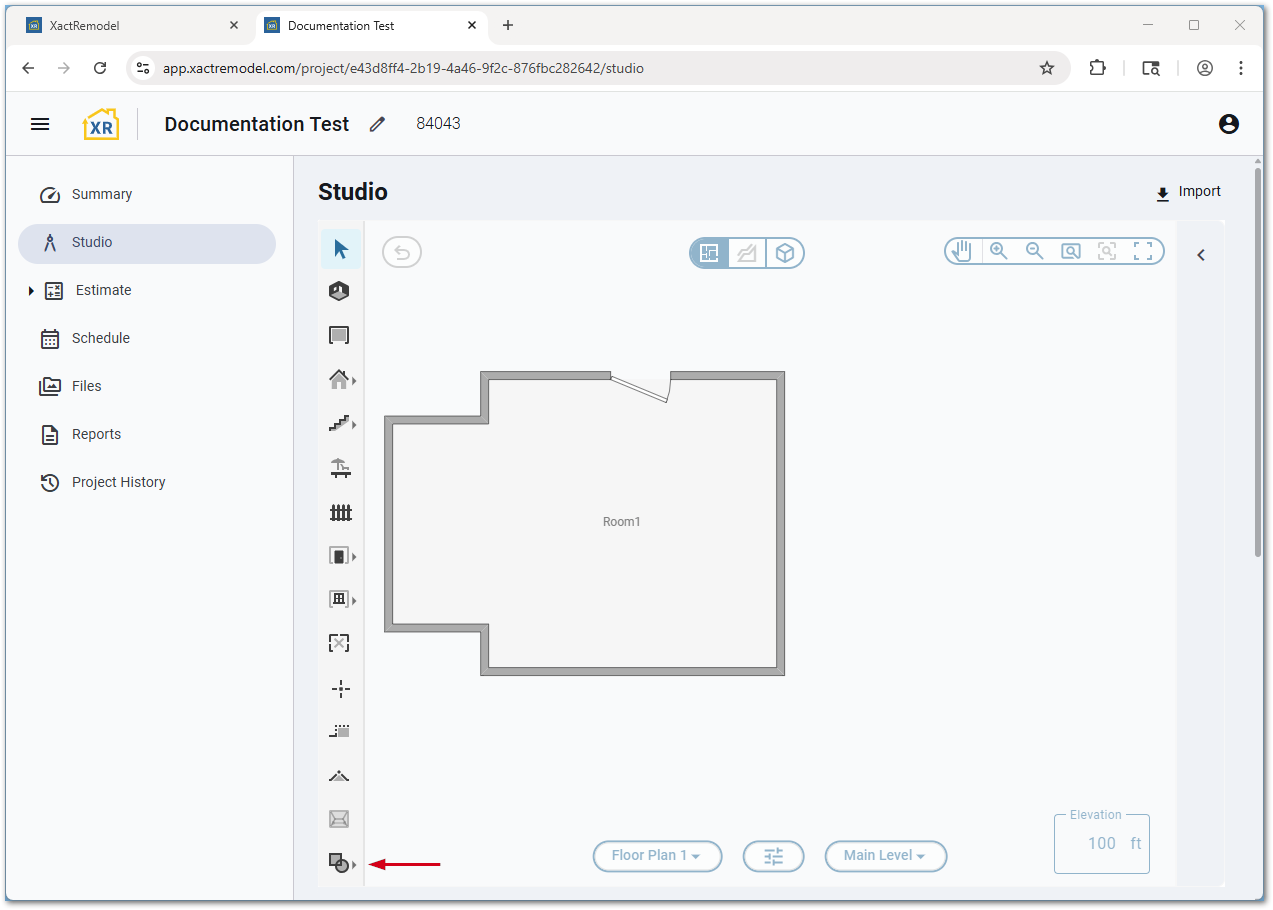
Alternatively, each reference type can be added using the following keyboard shortcuts:
- Reference blocks: O
Note: Cabinets are not available via keyboard shortcut.
- Reference areas: A
- Reference lines: L
- Reference points: P
Properties
Access reference object properties
Reference objects also have properties. Once the object has been placed, they can be accessed by:
- Select the reference object.
- Select the Properties icon.
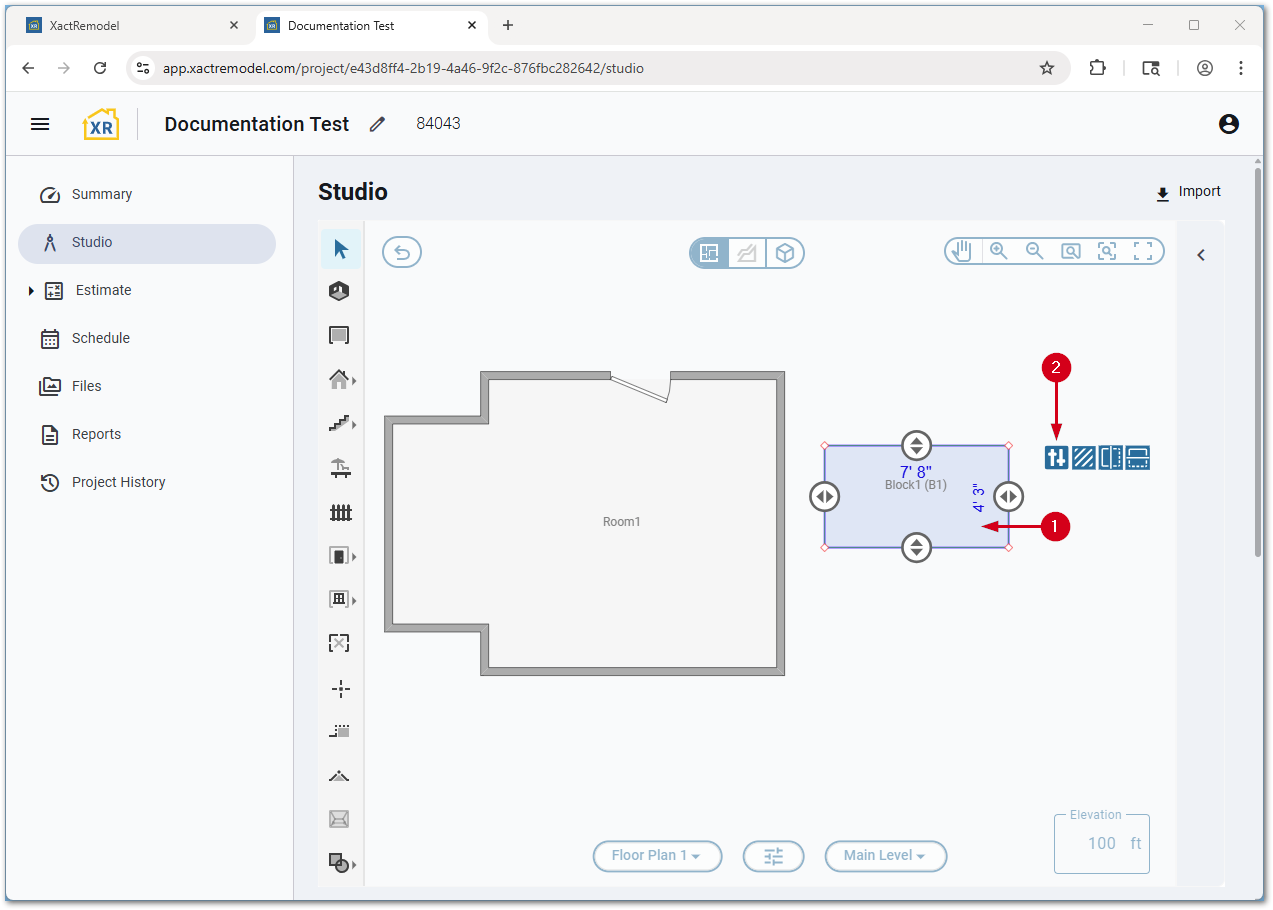
Reference block properties
The following properties are available for reference blocks.
Note: Cabinets have additional options to set a face type and number of sections.
- The top line allows you to rename the object.
- General:
- Grouping code: The internal reference for the object.
- Show label: Determines if the label is displayed in the Studio window.
- Dimensions:
- Dist from Floor: Determines the height above the floor of the object.
- Relation to Level: Determines if the item is above or below the level’s elevation.
- Height: Determines the height of the object.
- Behavior:
- Remove Floor LF Behind: When enabled, subtracts from the LF measurement of the floor based on the size of the reference block.
- Remove Ceiling LF Behind: When enabled, subtracts from the LF measurement of the ceiling based on the size of the reference block.
- Remove SF Area Behind: When enabled, subtracts from the SF measurement of the wall based on the size of the reference block.
- Remove SF Area Under (Floor): When enabled, subtracts from the SF measurement of the floor based on the size of the reference block.
- Remove SF Area Above (Ceiling): When enabled, subtracts from the SF measurement of the ceiling based on the size of the reference block.
Reference area properties
The following properties are available for reference areas.
- The top line allows you to rename the object.
- General:
- Grouping code: The internal reference for the object.
- Show label: Determines if the label is displayed in the Studio window.
- Behavior:
- Hole: When enabled, indicates the area should be removed from the SF measurement of the surface it is placed on.
- Auto Stretch: When enabled, and attached to a wall, if the wall is increased in size, the block will also increase in size.
- Algorithm Flooring Hole:
- Remove Carpet and Vinyl: When enabled, will deduct the SF measurement of the area from the carpet or vinyl flooring added to the floor.
Reference line properties
The following properties are available for reference lines.
- General:
- Grouping code: The internal reference for the object.
- Dimensions:
- Base Height: Sets the initial height of the object.
- Height: Sets how tall the object is.
- Width: Sets how wide the object is.
Reference point properties
The following properties are available for reference points.
- The top line allows you to rename the object.
- General:
- Grouping code: The internal reference for the object.
- Dimensions:
- Dist from Floor: Determines the height above the floor of the object.
- Relation to Level: Determines if the item is above or below the level’s elevation.